Custom Scenes & Programming That Fit Your Routine
Morning, evening and “away” scenes can handle dozens of tasks instantly. See how AV-Masters programs Control4 to match how you actually use your Los Angeles home so it feels one step ahead of you.
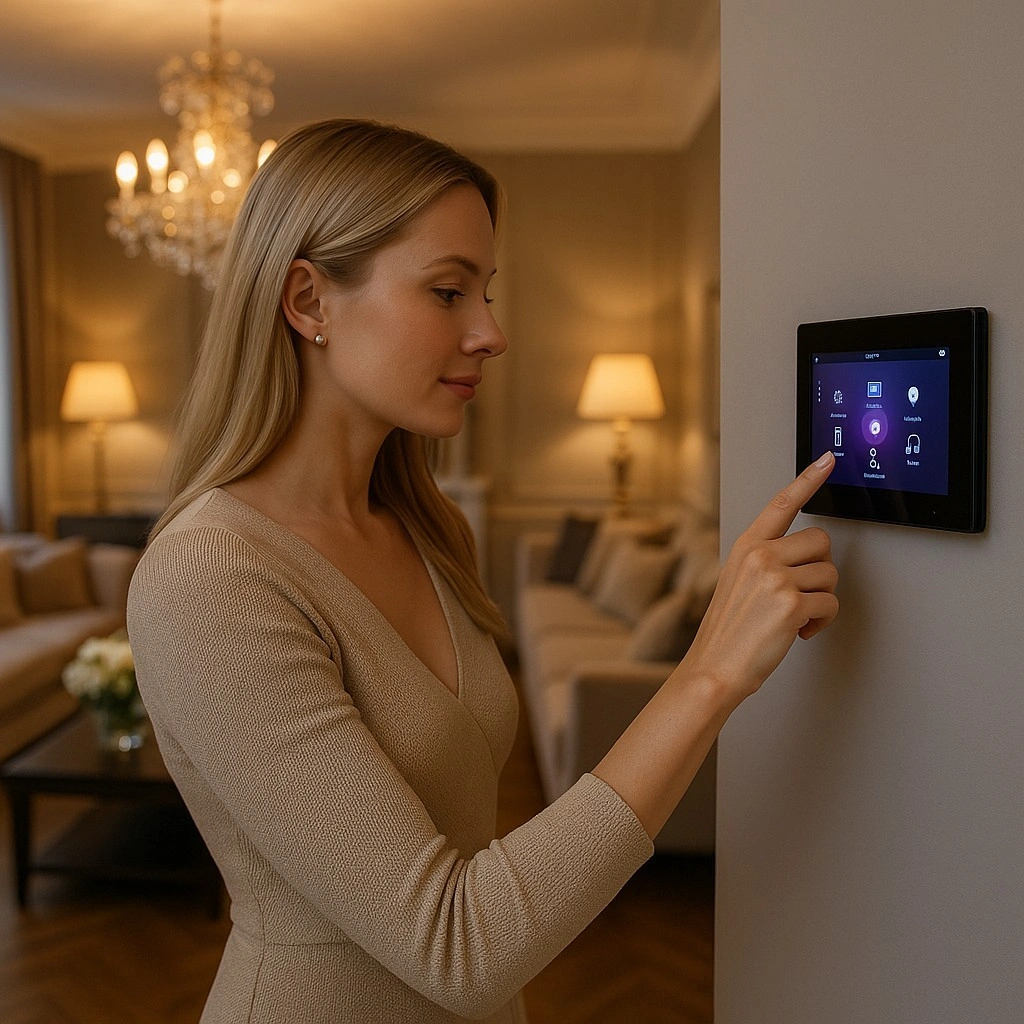
The real magic of a smart home isn’t just in the individual devices—it’s in the scenes and programming that tie everything together. Instead of opening an app for lights, another for shades and another for music, a well-designed Control4 system lets you tap one button and have the house respond like it already knows your routine.
At AV-Masters, we build custom scenes around how you actually live in your home: when you wake up, leave, come home, entertain or wind down. Below is a look at the types of scenes we program most often and how they can instantly handle dozens of little tasks behind the scenes.
1. Morning Scenes That Start the Day Smoothly
A good morning scene should feel like a gentle assistant—not an alarm clock. We design “Good Morning” or weekday/weekend variants that gradually bring the house to life while you’re still waking up.
A typical AV-Masters morning scene might:
- Raise shades or blinds in key rooms to let in natural light.
- Set lights in the kitchen and hallways to a soft, warm level.
- Adjust climate to your preferred waking temperature.
- Start your favorite news channel, playlist or music station at a gentle volume.
- Temporarily relax security notifications so you can move around without constant alerts.
We can create different morning scenes for different family members or days of the week, all accessible from touchscreens, keypads or your phone.
2. Evening and “Wind-Down” Scenes
Evenings are when lighting and audio really set the mood. Instead of flipping a dozen switches, a single “Evening” or “Relax” scene can turn a bright daytime house into a calm, comfortable space for dinner, TV or reading.
AV-Masters often programs evening scenes to:
- Dim overhead lights and bring up sconces, lamps or cove lighting.
- Close shades for privacy and better TV viewing.
- Set climate a degree or two cooler or warmer depending on your preference.
- Start background music in the kitchen, family room and bar at a modest volume.
- Turn on pathway lighting in hallways and stairs for late-night movement.
For families, we can also create “Kids Bedtime” scenes that dim lights in bedrooms, turn off TVs and set nightlights in hallways—all from one button on a keypad or touchscreen.
3. Away and Vacation Modes for Peace of Mind
An “Away” scene is one of the most powerful tools in a smart home. Instead of running around the house before you leave, the system can quietly secure and shut things down in seconds.
AV-Masters typically builds away and vacation modes that:
- Turn off interior lights or leave only select ones on random schedules.
- Set thermostats to energy-saving levels in unoccupied areas.
- Check and lock smart door locks and close garage doors.
- Arm security systems and enable camera alerts for exterior zones.
- Adjust shades to look natural from outside while protecting furnishings from sun.
Vacation modes can go even further, using lived-in lighting patterns to make it appear as though someone is home, even when you’re thousands of miles away.
4. Entertaining and Party Scenes
When guests arrive, you don’t want to be buried in apps and remotes. That’s where entertaining scenes shine. One tap can prepare the entire home—inside and out—for a dinner party, family gathering or backyard event.
A typical “Entertain” or “Party” scene from AV-Masters might:
- Set lighting scenes in kitchen, great room, bar and outdoor areas.
- Group indoor and outdoor audio zones to play the same playlist.
- Turn on accent lighting for art, stone walls or landscaping.
- Display ambient visuals or music videos on TVs instead of static menus.
- Relax certain motion alerts so cameras still record without spamming your phone.
Because everything is pre-programmed, you can focus on your guests while the house quietly takes care of the atmosphere.
5. Home Office and Work-From-Home Scenes
For many clients, the home office is now mission-critical. We can create scenes that support video calls, focused work and end-of-day shutdowns.
Examples include:
- “Work Mode”: adjusts lighting and shades for flattering video, sets a comfortable temperature and prioritizes network traffic for Zoom or Teams.
- “Call in Progress”: turns on a hallway indicator light so family members know to be quiet.
- “Office Off”: powers down monitors, turns off task lighting and locks up as you leave.
These scenes help the technology fade into the background so you can focus on your work instead of fiddling with settings every time you sit down at your desk.
6. Behind the Scenes: How Control4 Makes It All Work
Under the hood, each scene is a coordinated set of commands sent to different devices—lights, shades, thermostats, audio zones, TVs, locks and more. AV-Masters uses Control4 programming tools to define the logic and timing so everything feels natural.
We consider details like:
- Delays between commands so devices respond smoothly instead of all at once.
- Conditional logic (for example, only closing shades if it’s after sunset or the sun is on that side of the house).
- User overrides so you can temporarily change a room without breaking the scene.
- Per-room default levels so scenes feel consistent even as you add new fixtures or devices.
Once everything is tested, we label buttons clearly and make sure anyone in the household can understand what each scene does at a glance.
Designing Scenes Around Your Life
No two families live exactly the same way. That’s why our first step is always to listen: when you wake up, when you leave, how you host, where you spend evenings and what you want the house to feel like at each stage.
From there, AV-Masters translates your routine into custom scenes and Control4 programming that handle the busywork in the background. When it’s done right, you stop thinking about “home automation” and simply enjoy a Los Angeles home that feels like it’s one step ahead of you.