Why Your Smart Home Starts With a Solid Network
If streaming, Zoom calls or cameras ever glitch, your home network is the first place to look. Here’s how enterprise-style wiring and Wi-Fi keep everything stable in a modern Los Angeles smart home.
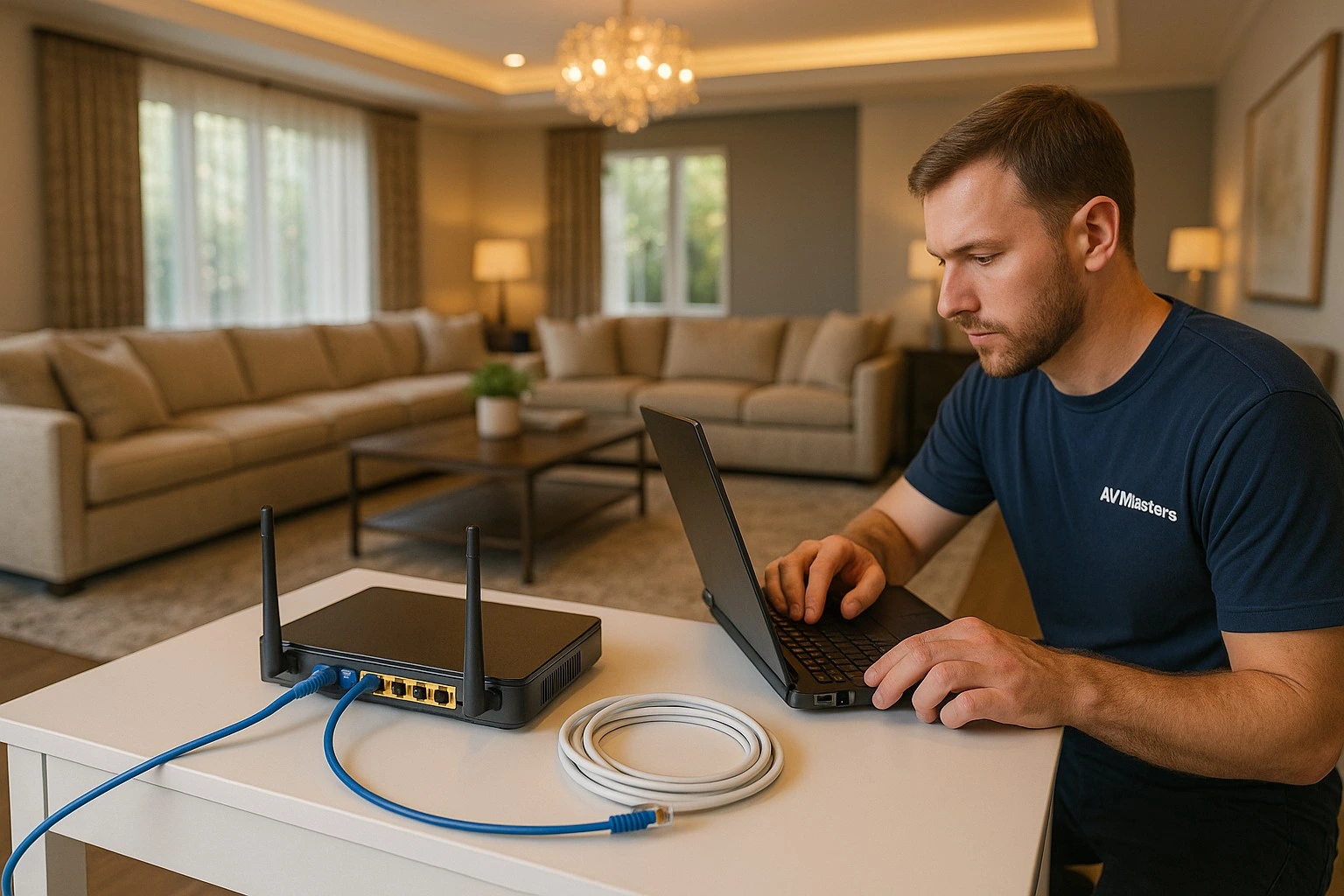
Most people judge a smart home by the parts they can see—touchscreens, remotes, cameras, TVs and speakers. But the real foundation sits in a rack or closet: your wired network, switches and Wi-Fi system. If that foundation is weak, even the best automation or theater system will feel unreliable and your home will never feel truly “smart.”
At AV-Masters, we treat the smart home network the same way we treat electrical or plumbing on a high-end home: it’s essential infrastructure. Below are the core pieces we focus on when designing networks that can handle today’s streaming, cameras and control systems—and tomorrow’s upgrades.
1. Run Wire First, Then Add Wi-Fi
Wi-Fi is critical, but it should never be asked to do everything. The most stable smart homes are built on a backbone of hard-wired connections, with Wi-Fi used where wires truly aren’t practical.
During prewire or retrofit work, AV-Masters prioritizes:
- Wired drops to every TV location, network streamer, gaming console and stationary device.
- Dedicated lines for cameras, NVRs and network audio/video gear.
- Structured cabling back to a central rack or low-voltage closet instead of random, isolated runs.
The result is less congestion on Wi-Fi and far fewer mystery glitches. Streaming boxes, cameras and Control4 controllers use reliable wired connections, while Wi-Fi is reserved for phones, tablets and laptops.
2. Choose Enterprise-Style Switches and Layout
Cheap, plastic switches from a big-box store aren’t built for the demands of a modern luxury home. With dozens of devices, cameras and streaming services all running at once, you need enterprise-style switches that can handle the load.
AV-Masters designs home networks using:
- Managed switches that can prioritize critical traffic and handle VLANs if needed.
- PoE (Power over Ethernet) ports to power cameras, access points and control gear cleanly.
- A clear labeling and patch-panel layout so future service and expansion are painless.
This approach keeps your rack organized and makes it easy to troubleshoot or add devices later without tearing everything apart.
3. Properly Designed Whole-Home Wi-Fi
A single router with “boosters” scattered around the house is a recipe for dead zones and roaming problems. A true smart home uses a controller-based Wi-Fi system with multiple access points (APs) placed where they actually belong.
When we design Wi-Fi for a property, we look at:
- Construction type—plaster, steel, stone and glass all affect signal differently.
- Where people use devices: bedrooms, kitchens, theaters, offices and outdoor areas.
- Ceiling and wall locations that allow clean mounting of APs with minimal visual impact.
The result is seamless roaming as you move through the house and solid coverage in key areas like offices, kids’ rooms and outdoor lounges—without having to manually switch networks.
4. Separate Guest and Smart Home Traffic
As your home fills up with phones, tablets, gaming systems and streaming boxes, the network can get noisy. That’s why AV-Masters frequently separates traffic into different networks or VLANs.
A typical design might include:
- A main secure network for your family’s devices.
- A dedicated network for automation gear, cameras and AV equipment.
- A guest Wi-Fi that keeps visitors out of your private systems.
This protects your smart home from random devices and helps ensure that control signals, streaming and cameras stay responsive even when guests are hammering Netflix or downloading updates.
5. Power, UPS and Remote Management
A solid smart home network isn’t just about data—it’s also about power and ongoing support. We treat the rack like mission-critical equipment, because for most families, it is.
AV-Masters commonly includes:
- UPS (battery backup) to ride through short outages and protect equipment from surges.
- Conditioned power for sensitive gear like switches, routers, controllers and NVRs.
- Remote management hardware so our team can reboot devices or check status without rolling a truck.
This combination keeps your network stable and makes support faster and more efficient if anything ever does go offline.
Building Your Smart Home on the Right Foundation
If your current home already has Wi-Fi issues or a tangle of mismatched routers and extenders, you’re not alone. Many of our Los Angeles projects start with “fix the network” before we add any new automation, cameras or audio.
Whether you’re planning a new build, remodeling or simply tired of buffering and camera dropouts, AV-Masters can design a clean, enterprise-style smart home network for your property. With proper wiring, switches and Wi-Fi, your smart home, streaming and Zoom calls feel the way they should: fast, stable and invisible in the background.